
Disclaimer: This post is for general informational purposes only and is not legal, financial, or investment advice. Crowdfunding involves regulatory requirements and risks, including possible loss of capital. Consult a qualified professional before making decisions.
Create A Pitch Video
A strong pitch video reliably improves crowdfunding outcomes across platforms. For example, Indiegogo reports that campaigns with a pitch video raise approximately 4× more than those without, and Kickstarter has long said projects with videos succeed more often than those without. Keep it short and focused.
What your video should cover (60–120 seconds)
Hook (0:00–0:10): Start with a one-liner about who you are and what you do.
Founder face time (0:10–0:25): Briefly introduce yourself; investors fund people so give them some face time with the founders
Problem → Solution (0:25–0:45): Show investors the pain point and how your product/service fixes it.
Proof (0:45–1:05): Give one or two concrete wins (customers served, revenue milestone, demo in action).
Use of proceeds (1:05–1:20): What the funds buy and why it drives repayment/growth (keep numbers simple).
Call to action (last 5–10s): “Learn more and invest at [portal link].”
Aim for 1–3 minutes. Shorter tends to perform better, and the first 10–30 seconds matter most.
What to film
A-roll: You, speaking to camera (quiet room, eye-level lens).
B-roll: Product in use, team at work, location, customers.
On-screen text: Company name, a one-line value proposition, the portal URL.
Captions: Be sure to add subtitles for silent autoplay and accessibility.
Audio & picture
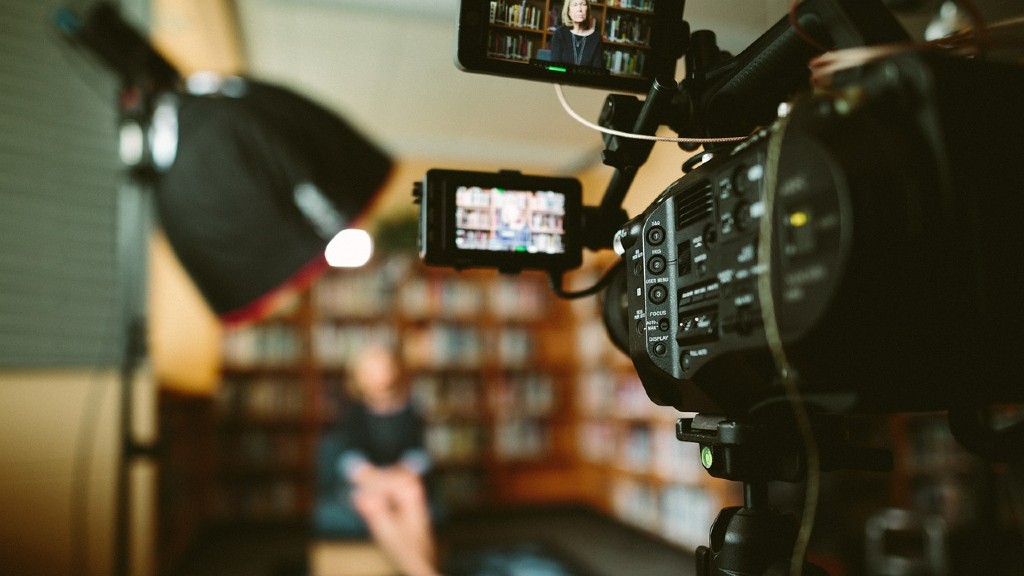
Be sure to prioritize audio quality. You can use a clip-on or USB mic. Record talking points in a soft, quiet room).
Use window light or two lamps at positioned at 45° angles to avoid backlighting.
Be sure to set the camera on a tripod or a stack of books to stabilize the shot.
Keep it compliant
If you discuss terms, keep it to a short “tombstone” notice (basic facts and a portal link).
Otherwise, talk generally about the business and always link to the offering page for details.
(General guidance, not legal advice—check your portal’s rules.)
One-page template
OPEN (owner, on camera):
“Hi, I’m [Name], founder of [Company]. We help [target audience] [solve problem] with our product/service.”
SHOW (use b-roll with a voice over):
“Here’s how it works: [simple explanation]. This year we [1 proof point], and customers tell us [short quote].”
USE OF FUNDS (owner, on camera):
“With this community loan, we’ll fund [inventory/equipment/expansion] so we can [capacity/cost outcome].”
CLOSE (owner and a URL on the screen):
“If this resonates, learn more and invest on our campaign page: [link].”
Editing checklist
- Add a title or caption right away so viewers know the company and the offering.
- Try to trim the video to approximately 2 minutes; cut content that doesn’t advance the story.
- Test with 3–5 people asking: “What do we do?” “Why now?” “Where do I click?” (If they hesitate, reshoot or edit for clarification.)